

Photo missions
Know what is on the shelf without sending someone there
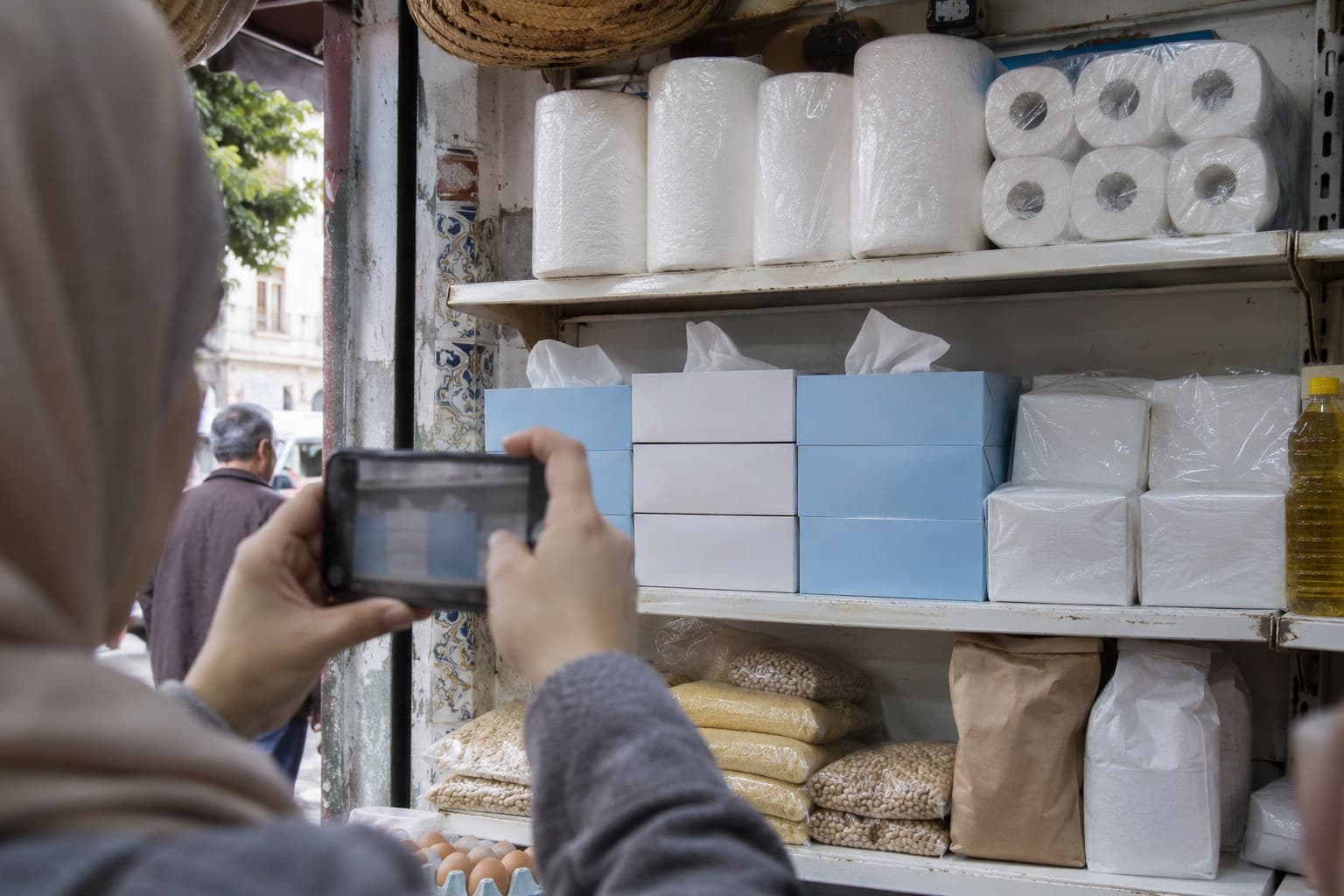
A mission is a simple brief, with a deadline and points to earn. The shop replies with a photo. Your team checks it. That's all, and it is already far more than most brands know about their shelves.
The journey of a photo
- 01
The brief
You write the mission: what to show, by when, for how many points. You attach the checklist that will be used for the review.
- 02
The submission
The shop manager opens the mission of the week, takes the photo and sends it. Its status changes to “Under review”.
- 03
The review
An operator opens the queue. They tick off the checklist and approve, ask for a redo with a reason, or reject.
- 04
The points
On approval, points are credited according to the programme rules, up to the shop's cap. The shop manager is notified.
A moderation queue built for speed
A hundred and fifty shops, one mission a week: that makes a hundred and fifty photos to look at every week. The moderation screen was built around that volume.
Counters by status, filters by area and by mission, the photo at full size, the checklist on the right, keyboard shortcuts to approve and move to the next one. When a batch is clean, you approve it in one go.
- “Redo” with a reason the shop reads in its portal
- History of decisions by photo and by operator
- Bulk approval
Cheating exists. Better to face it.
As soon as a photo earns points, somebody tries sending last week's again, or the neighbour's. That is no judgement on shopkeepers. It is a law of points programmes.
Every photo gets a fingerprint. If an identical or near-identical image has been sent in the last ninety days, by this shop or by another, the operator sees the two side by side and decides. Most of the time, one first “Redo” is enough for word to get round the whole territory.
Missions that work well at the start
Presence
Are the products in the range on the shelf? One overall photo, once a month.
Promotion
Is the display or the poster in place and visible from the entrance?
Price
Is the price displayed, and what is it? Can be combined with a survey of competitor prices.
Field feedback
An open question for the shop manager: what his customers ask for, what is missing. No photo, but information.
About missions
How long does it take to moderate a photo?
A few seconds when it is good. On a pilot of about a hundred shops, weekly moderation takes one person less than an hour.
What does the shop see when its photo is turned down?
The “Redo” status and the reason written by the operator. It can send another photo for as long as the mission is open.
Can a mission be targeted at certain shops?
Yes: by area, by type of outlet or by a group you put together yourself.
Want to see the moderation queue?
We will show it to you with shelf photos, good ones and bad ones.